Confession time. I build cars, I document every one of them on CarBuilds, and I still used to put off logging the work.
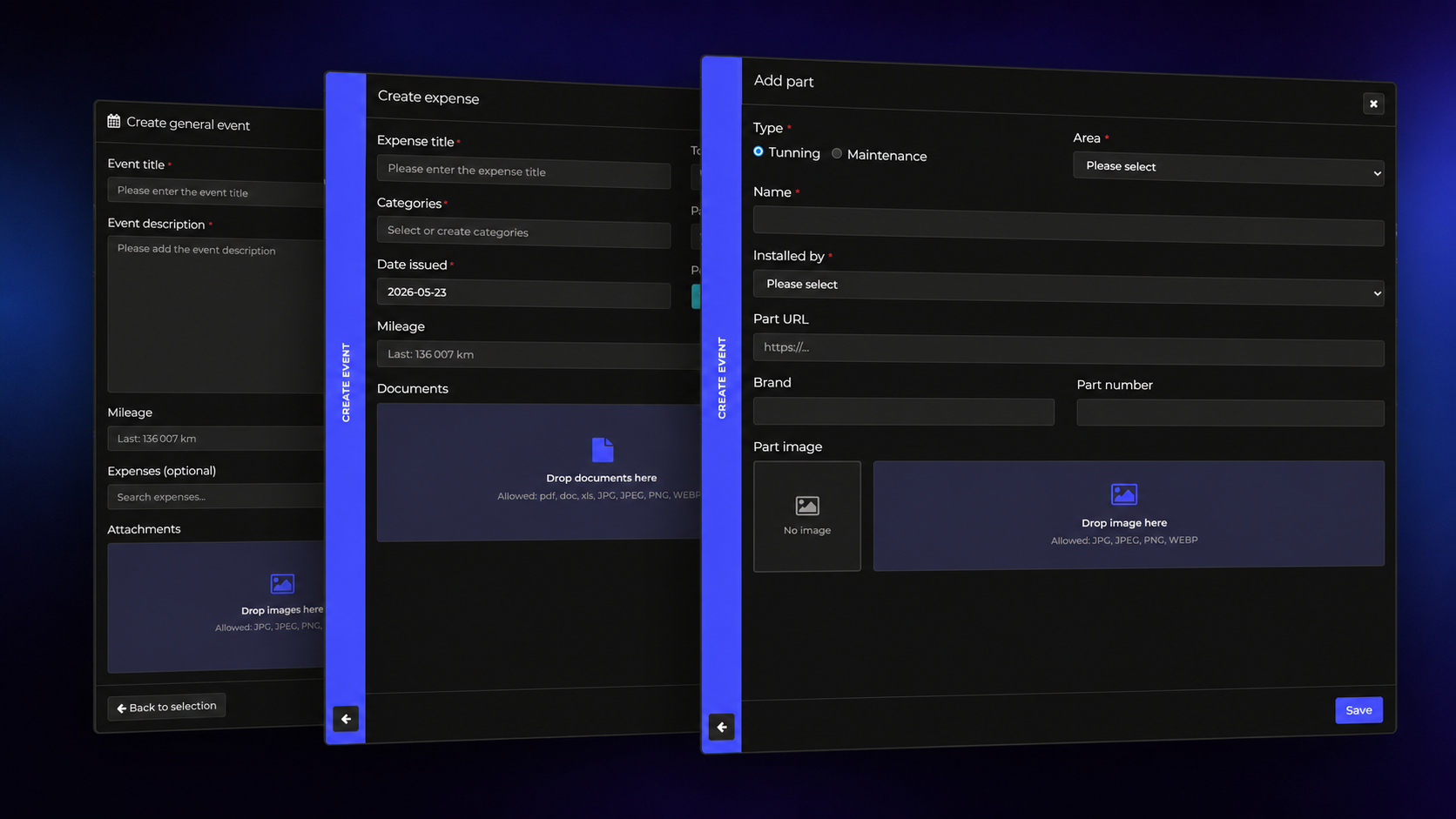
You know the moment. It's 9pm, the oil change is done, your hands are black, the old filter is dripping into the drain pan, and the last thing you want is to open three forms and fill in fourteen fields. "I'll add it tomorrow." We all know what tomorrow looks like.
That moment is exactly what we went after with our newest feature. It sits behind a small button that just says Ai, and honestly, it's the thing I'm most proud of since we started CarBuilds.
We're not new to AI, but this one is different
If you've been around CarBuilds for a while, you've already bumped into AI in a few places. It estimates what your car is worth on the market, it suggests the factory specs when you add a new project, it can tidy up a messy event description with one tap, and behind the scenes it helps keep the comments clean and the site translated.
All useful. But every one of them was a helper sitting next to a form you still had to fill in yourself. The new Ai button flips that around. You don't fill in the form anymore. You just tell it what you did.
How it works
Tap Ai. On desktop it's in the header, on your phone it sits in the bar at the bottom of the screen. A box opens with one text field and a photo button, and that's the whole interface. Write what you did the way you'd text a mate:
"Changed the oil on the Audi today, Liqui Moly Top Tec 4200 5W-30, 5 litres, at 123,400 km. Did it at the Bosch service, 32,000 Ft with the filter."
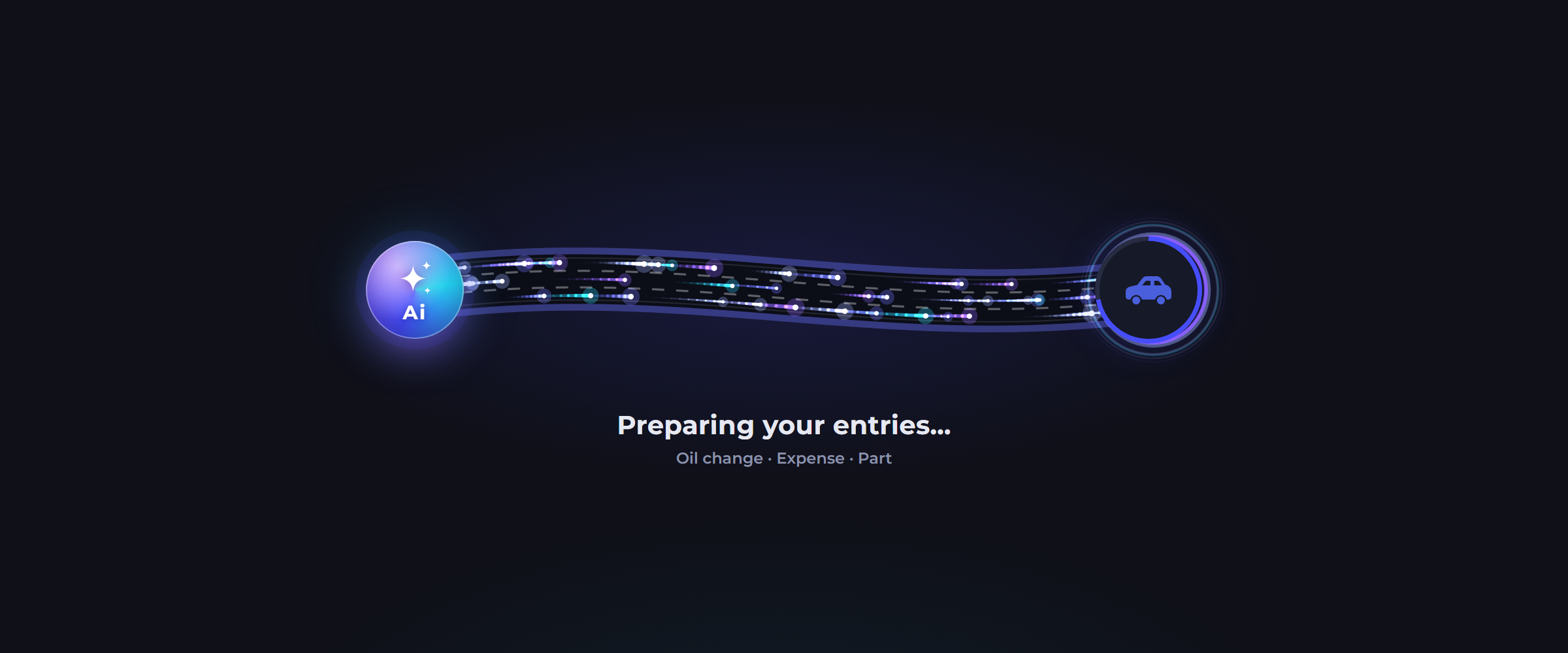
Hit Prepare, watch the little light trails race down the highway for a few seconds, and CarBuilds has worked out:
- which car you meant. Only one Audi in the garage? Done. Two of them? It goes for the one you've been working on lately, or the one whose page you opened it from
- that this is an oil change and not just a generic event, with the brand, the 5W-30 and the 5 litres already filled in
- the mileage at the time of the job
- a 32,000 Ft expense at Bosch, linked to the oil change, using your existing partner and category if you've logged with them before
Nothing is saved at this point. You get a review screen with everything laid out as cards you can open up. Change the car, fix a number, untick what you don't want, then hit Create. The event, the expense and the parts land on your timeline in one go, linked together the way they should be.
Your photos do half the work
This is the part that made me grin the first time it worked. You barely have to type, because the Ai actually reads your photos:
- a fuel receipt becomes a proper fuel expense with the litres, the price per litre and the station as the partner
- a workshop invoice becomes the expense, and the PDF gets attached to it, or to the event if there's no expense
- a photo of the odometer gives it the mileage
- the oil bottle or the part box gives it the brand, the viscosity or the part number
- photos of the actual job end up in the event's gallery
My favourite test so far: I threw a fuel receipt at it and nothing else. No text, no car selected. The receipt had the licence plate printed on it, so it matched the plate to the right car in my garage, an older BMW I hadn't touched in months, and logged 45.2 litres of 95 at the MOL station. I didn't type a single word.
It also works in whatever language you write in. I test it mostly in Hungarian, and it answers in Hungarian.
Why we think this is a game changer
Here's the honest version. A build history is only worth as much as it is complete. A service book with half the oil changes missing is worth about as much as no service book at all. And the number one reason histories end up half empty isn't laziness. It's friction. Every form you have to open is one more chance to say "later".
So the goal was simple: logging a job should take less time than wiping your hands. Snap the receipt, say what you did, check it, done. When it's that easy you actually do it every single time, and that's when the history turns into something a buyer can trust.
👉 How to Increase Your Car's Value by 10% (Without Spending More Money)
And because the history stays with the car, it pays off again when you sell. The next owner sees every oil change, every part and every receipt, not just your word for it.
You stay in control
A few things we were strict about while building this:
- nothing is created until you press Create, the review screen is always there
- it never makes up prices, mileage or part numbers. If something isn't in your text or your photos, the field stays empty and the form tells you what's missing
- it only works with your own cars, and sold ones are left out
- the photos you attach are only used to prepare that entry
Is it perfect? No, it's AI. Sometimes it splits a receipt into two expenses when you wanted one, or picks a title you'd word differently. That's exactly why the review step exists, and fixing it takes a second.
The small stuff we fixed on the way
While building this we polished a few things around it too. Date fields across CarBuilds now use your phone's own date picker, number fields open the number keypad, and a comma works as a decimal mark, so "4,5 litres" is perfectly fine. Popups on the iPhone got a bit tidier as well, with less dead space at the bottom.
And yes, about that animation while it thinks: little light trails running down a highway from the Ai to your car. We had way too much fun with that one.
Free forever for Early Access members
Now the important bit. If you're an Early Access member, the Ai button is free for you. Forever. No catch, no trial that runs out after a month.
Later on, Ai will be part of our paid plan. Early Access is the only way to keep it free for life, and Early Access spots are limited. When they're gone, they're gone.
So if you've got mates who wrench on their own cars, now's the time to get them in. Your personal invite link is in your profile: open Profile → Invite People, switch on invitations if you haven't yet, copy the link and send it over while there are still spots left.
Try it on your next job
The Ai button is live for everyone with a CarBuilds account, on the web and in the Android and iOS apps. Next time you finish a job, don't open the forms. Tap Ai, tell it what you did, add a photo of the receipt and see what happens.
Then let us know how it went. If it gets something wrong, or there's a job you'd love it to understand better, tell us. This is version one, and it's only going to get smarter from here.