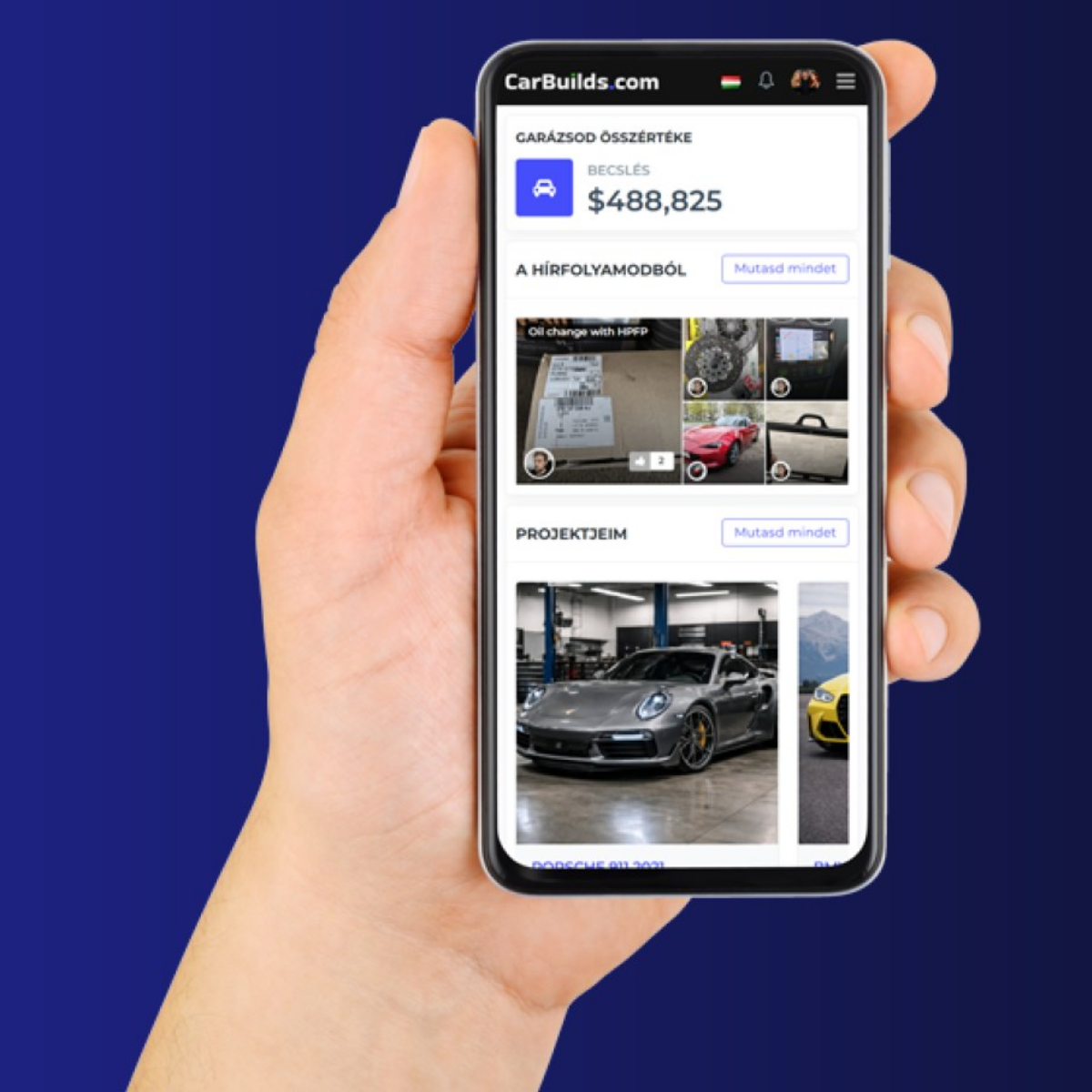
👉 Sign up now and get the Early Access package — with lifetime free access to the platform.

Changelog

New features and improvements shipped on CarBuilds.

  1. A new homepage: the build line

    A new homepage: the build line

    The homepage has been rebuilt around one idea: a road that runs through your whole build, from the first bolt to the handover.

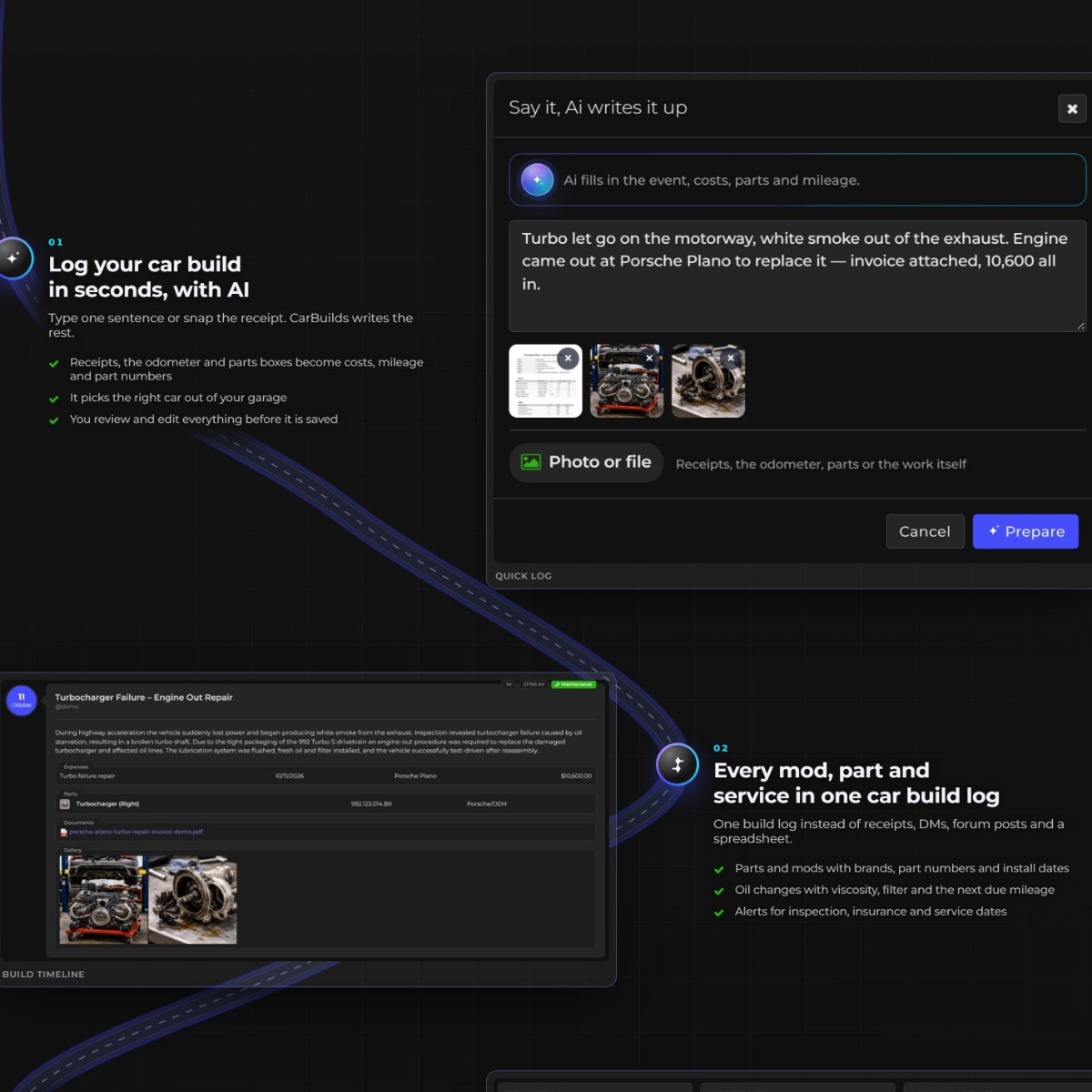
    The four things CarBuilds actually leads with are now shown with real screenshots from a real build, not mockups: logging work in seconds with Ai, every mod, part and service in one build log, what the build really cost, and the garage overview with a history you can hand to the next owner.

    Everything below the hero moved to the dark theme, the plan comparison reads properly on a phone, and the latest builds carousel now scrolls with the mouse wheel. We also answered the questions people actually ask before starting a build log.
    Your feed now lives on the dashboard

    Your feed now lives on the dashboard

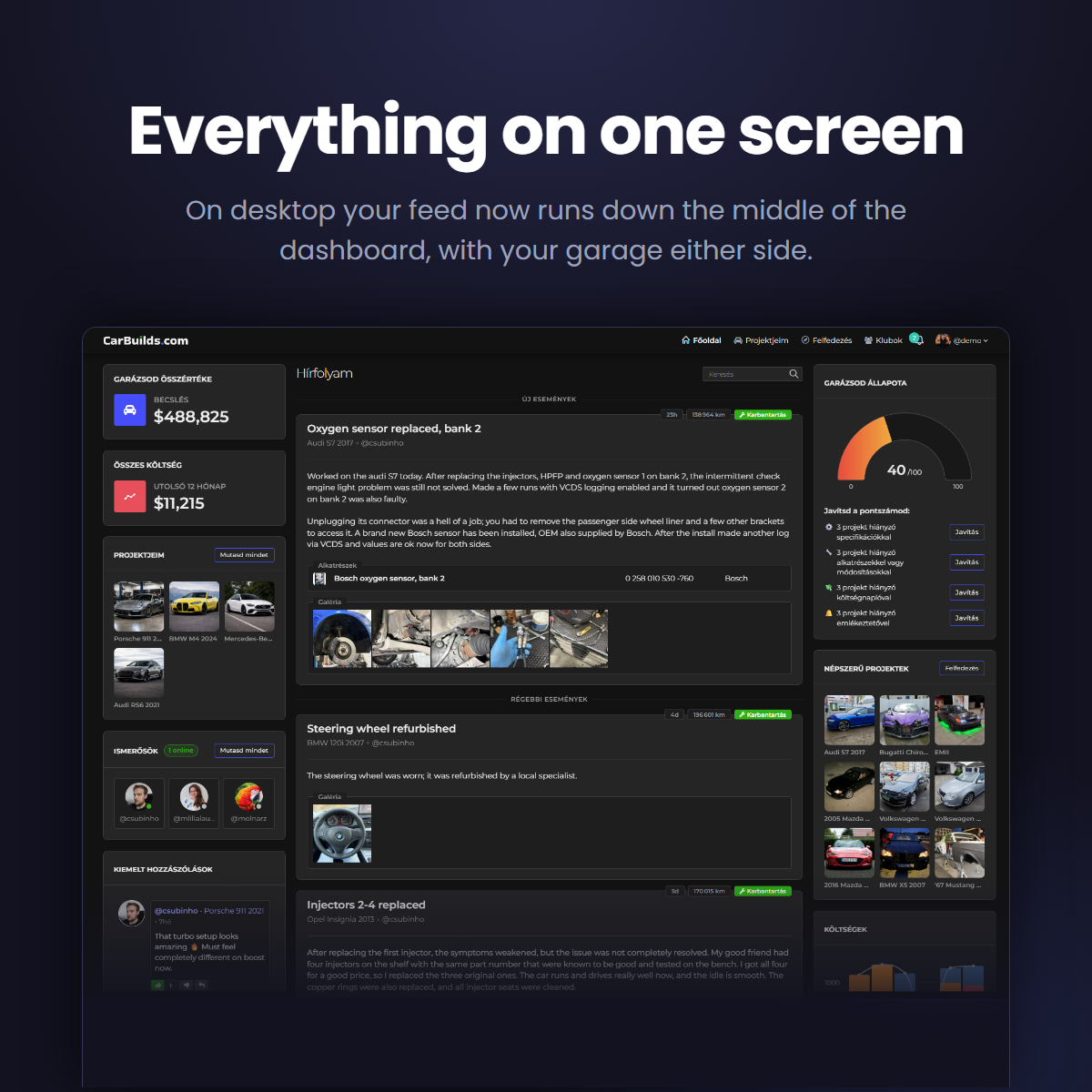
    On desktop the home page is now three columns: your feed runs down the middle, your garage sits on the left and the community on the right. No more going back and forth between two pages — it is all on one screen.

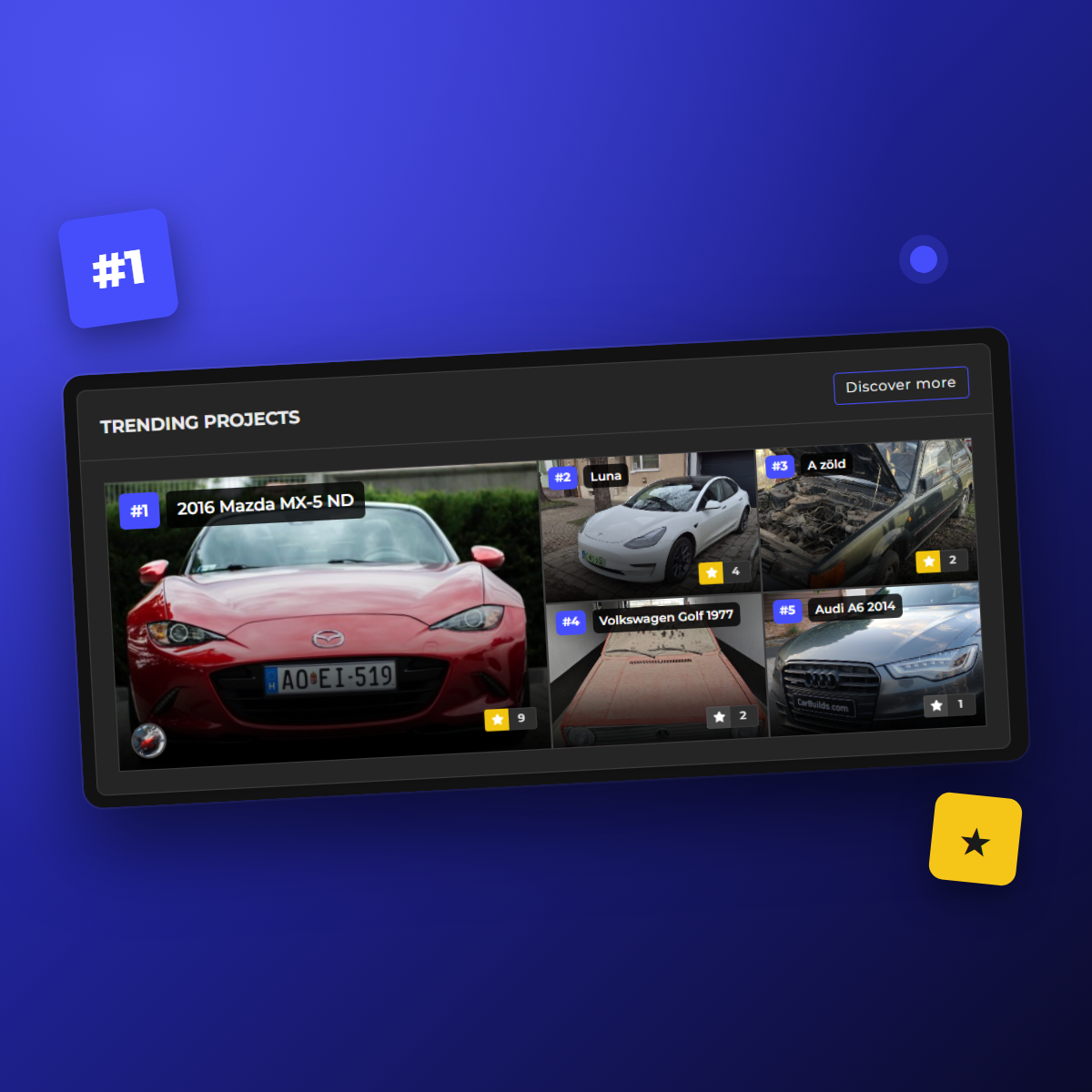
    The columns either side stay with you as the feed scrolls, and scroll on their own if they outgrow the screen. My projects and Trending projects are now compact tiles, and Trending no longer shows you your own builds.

    Phones and the apps are unchanged: the feed keeps its own tab, one tap away.

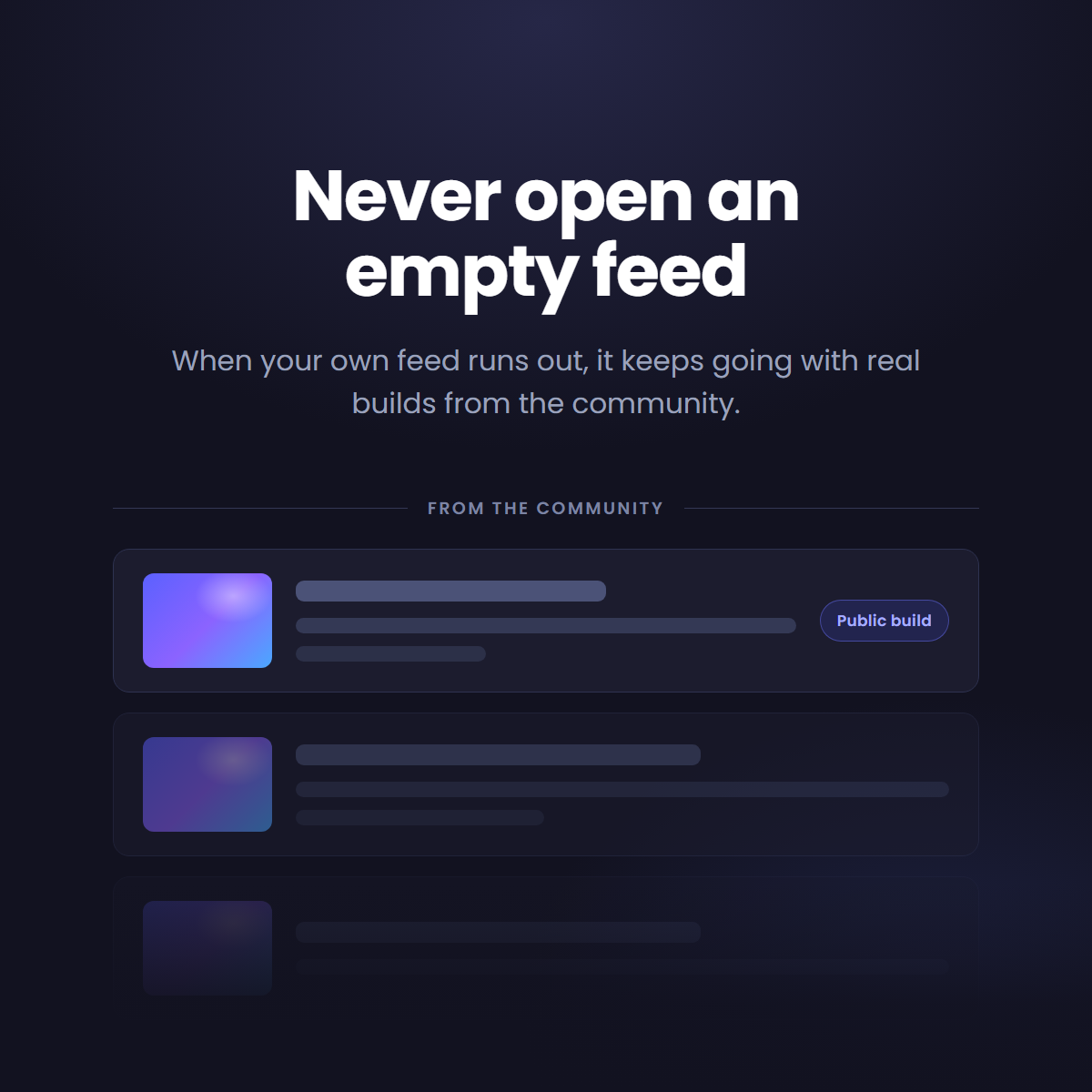
    Community picks when your feed runs out

    Community picks when your feed runs out

    When you reach the end of your own feed it now keeps going. Under a From the community divider you get real entries from public builds across CarBuilds — photos, jobs and the parts that went with them.

    Anything already in your feed is left out of the block, so nothing turns up twice. If you have not followed anyone yet it is there from your very first visit, with a shortcut to Discovery and to finding friends.

  2. Bottom navigation bar on mobile

    Bottom navigation bar on mobile

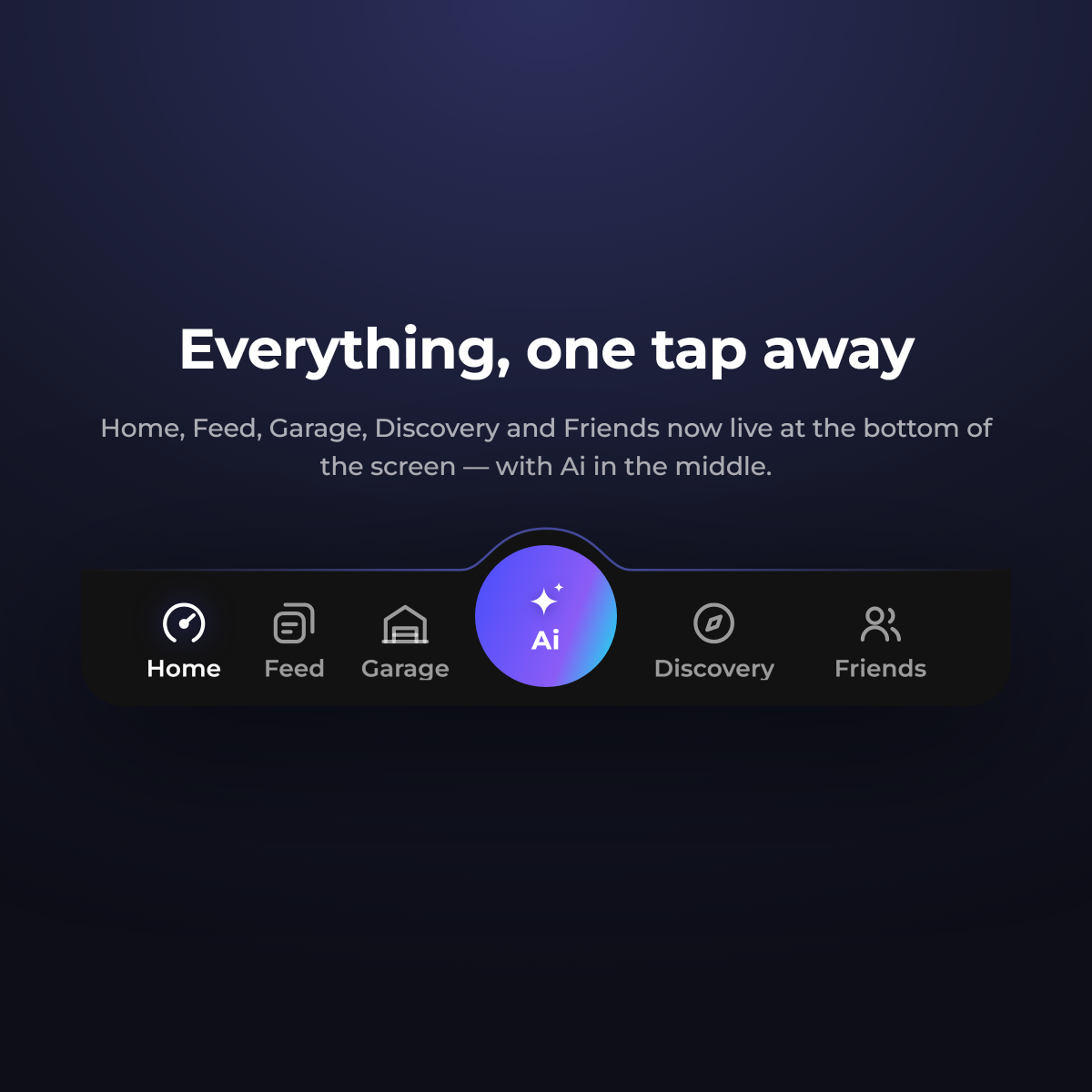
    On a phone the main menu now lives in a bar at the bottom of the screen instead of behind the hamburger button. Home, Feed, Garage, Discovery and Friends are a single tap away, and the Feed tab shows a badge when new events are waiting for you. The Ai quick log sits in the middle of the bar, so you can log what you did from any page.

    Read any build in your language

    Read any build in your language

    Owners write their timeline in their own language. When you open an entry that is not in yours, a [ Translate to English ] link now sits at the end of the text. Tap it and the entry is translated for you, with brands, part numbers, viscosities and measurements left exactly as the owner wrote them.

    The translation is kept, so the next time you open that entry it is already there, and so it is for anyone else reading in your language. You can switch back to the author's own words whenever you want.

  3. Log a job by just telling the Ai what you did

    Log a job by just telling the Ai what you did

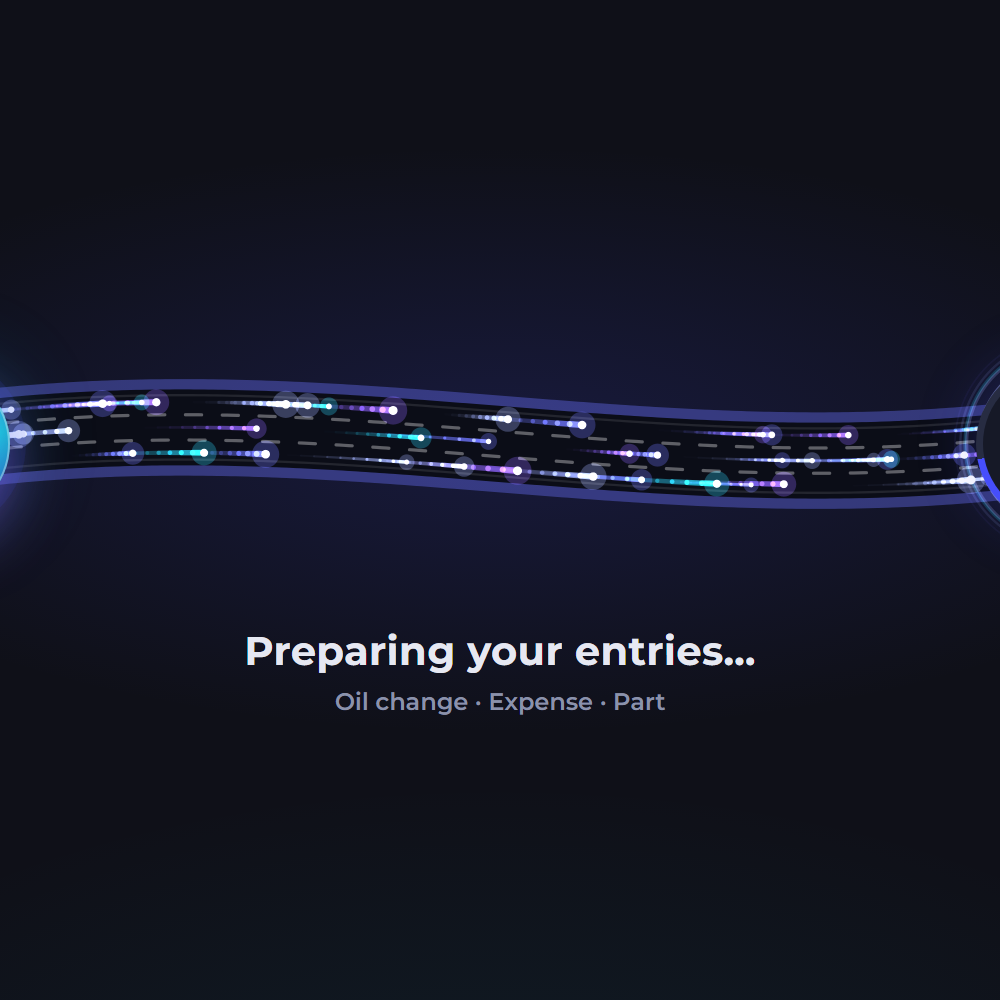
    Tap the new Ai button, write what you did to your car or add a photo of the receipt, and CarBuilds prepares the entries for you: the right car, an event (oil changes with brand, viscosity and quantity), expenses including fuel with litres, and parts, all linked together. It reads receipts, invoices, the odometer and part boxes, and even recognises your car from the licence plate on a receipt. Nothing is saved until you check the entries and press Create. You find the button in the header on desktop and in the bar at the bottom of the screen on your phone.

    Read more
  4. Trending projects on your dashboard

    Trending projects on your dashboard

    Your dashboard now shows five trending builds from the community. The selection changes every day of the week and is ranked by followers, so there's always something new to check out. Follow the ones you like right from the dashboard, or open Discover to browse more. The friends list now spans the full column and shows more of your friends.

    Smoother navigation on the web and in the apps

    Smoother navigation on the web and in the apps

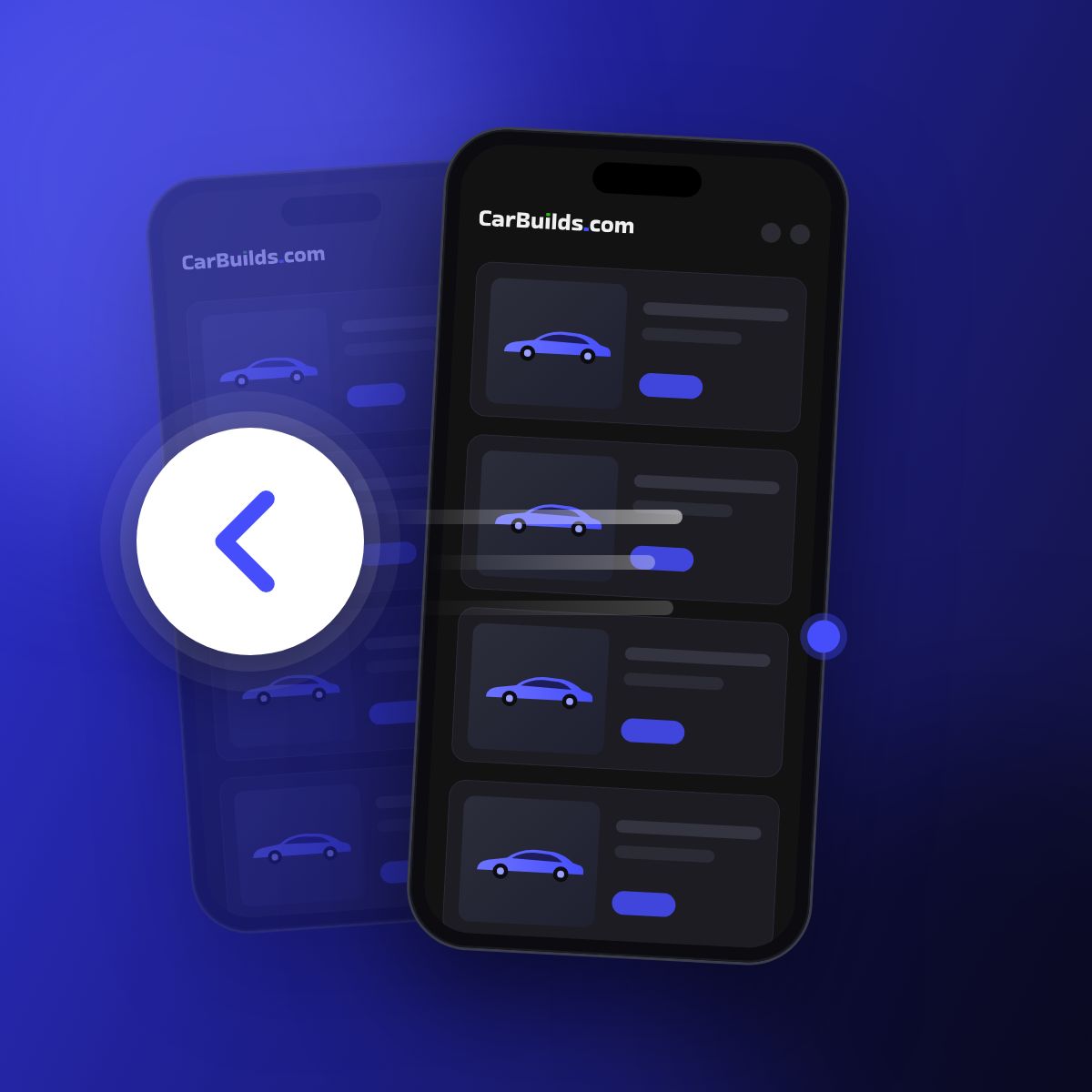
    Going back now takes you instantly to exactly where you were: same scroll position, everything you had loaded still there, no more reloading pages and charts. In the apps you can also swipe in from the edge of the screen to go back: from the left edge on iPhone (and from the right edge to go forward), from either edge on Android. With the latest app updates, your dashboard is the starting point on iPhone and Android, so going back stops there instead of stepping through every page you visited, and the menu stays open when you return to it.

  5. CarBuilds is now on the App Store

    CarBuilds is now on the App Store

    The CarBuilds app is now available for iPhone on the App Store, alongside the Android app on Google Play. Get push notifications about what's happening around your projects, and open service record PDFs and other files right inside the app.

    Read more
  6. Oil change service record PDF

    Oil change service record PDF

    Export any oil change as a printable service record PDF, with a QR code that links to the online record. Once the PDF is generated, the oil change is locked so the details on the handed-out report always match. You can still delete it if it was added by mistake. The oil change form now also warns you when the mileage doesn't fit your earlier and later oil changes, so a typo doesn't end up on the report.