There is a sheet of paper taped to the inside of my garage cabinet door. It has been there for years. Oil-stained corners, three different pens, half the lines crossed out, the other half rewritten so many times you can barely read them. Order front pads. Check the play in the left tie rod end. Find that rattle in the passenger door.
If you build cars, you have one too. Maybe it's a note on your phone, a whiteboard above the bench, or the back of a parts receipt. Every car build, from a weekend daily to a full restoration, runs on a todo list like that. And every one of those lists eventually gets lost, smudged or buried under a pile of invoices.
We build cars too
We are not only the people writing the software behind CarBuilds. We are car enthusiasts and car builders ourselves. We spend our evenings under cars, our weekends at parts counters, and far too much of our money on things that make a car a little faster, a little better, or simply ours.
So we know how projects are actually built. Not in one clean, straight line, but in a hundred small jobs. You order a part, it turns out to need another part. You start on the brakes and notice a torn boot. You finish one weekend with three new things on the list for the next one. The history of a build is what got done. The list is everything that still has to happen.
Right now I'm in the middle of a Porsche project with so many open jobs that I simply could not keep them in my head anymore. That was the moment it clicked: the list belongs right next to the build, not on a piece of paper in the garage. That's why we introduced Todo.
A car build todo list for every project
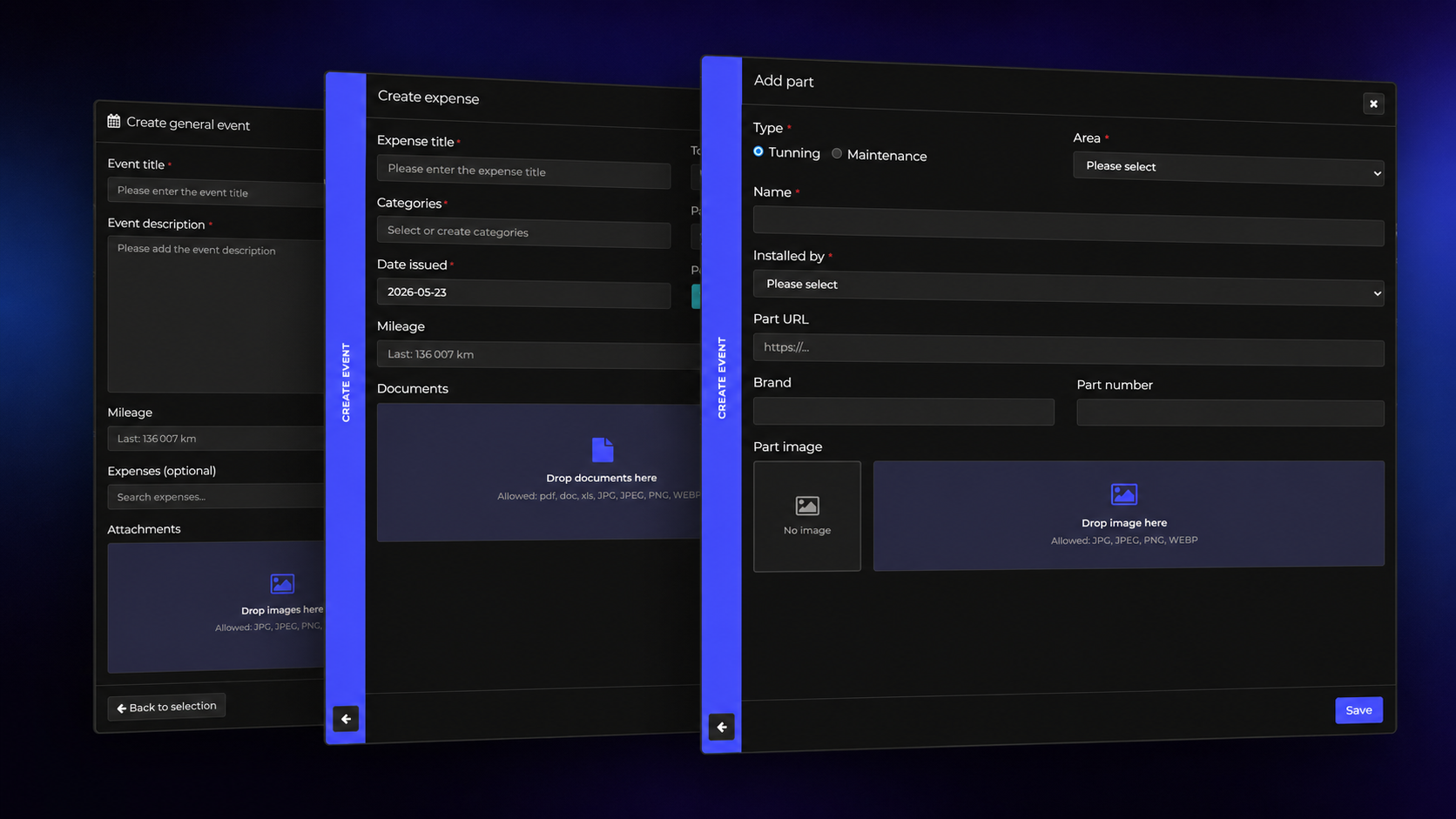
Every project on CarBuilds now has a Todo tab, right after Parts & Mods. Type a job, press Enter, and it's on the list. Need more than a line? Open the full form and add notes, part numbers, torque specs or a link to the shop where you found the right part. Links in a todo open with one click, so the parts page is always one tap away when you're standing at the counter.
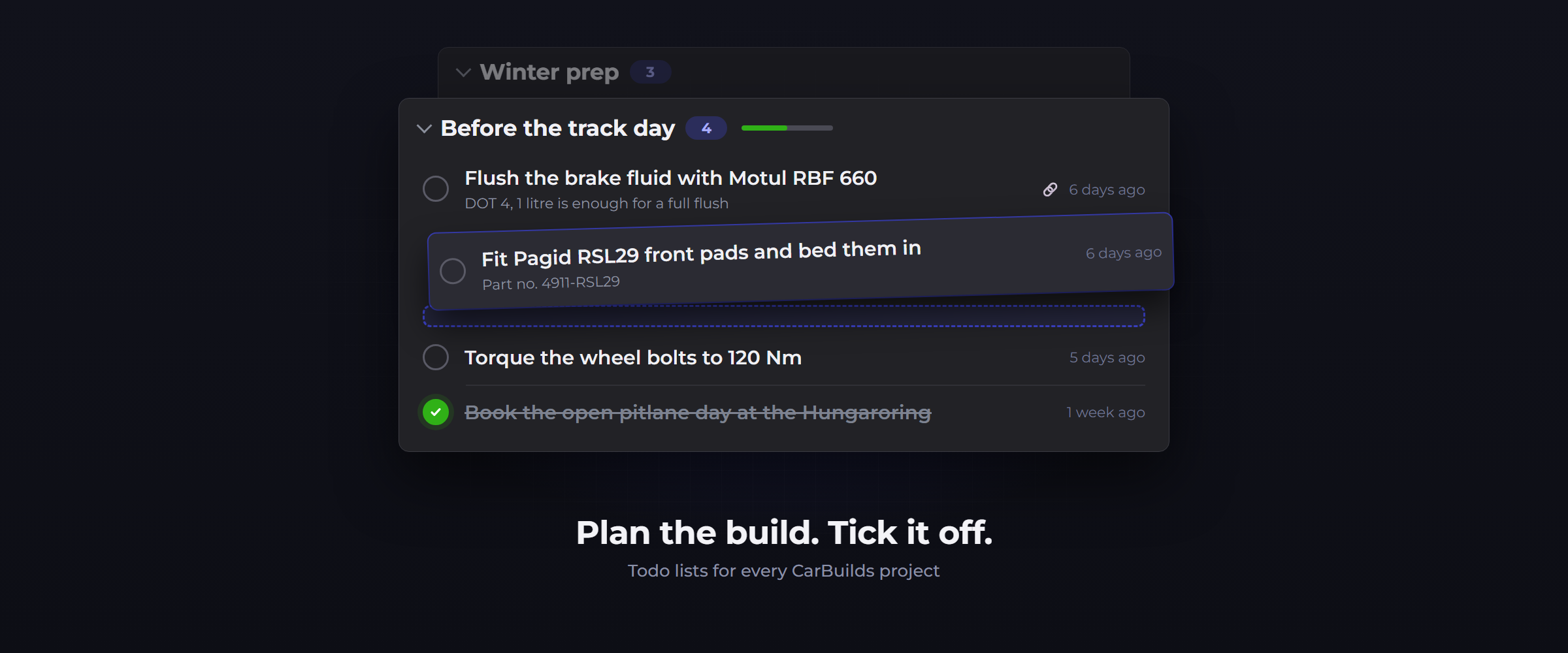
When the job is done, tick it off. There's a small, satisfying moment when the checkbox fills in and the line gets crossed out, and we spent more time than we'd like to admit making that feel right. Finished todos don't disappear, they move under the list, so you can always look back at what you did and when.
Group it the way you work
Real projects come in chapters, so your list can too. Create groups like these:
- Before the track day: flush the brake fluid, bed in the new pads, torque the wheel bolts, set cold tyre pressures
- Winter prep: swap to the winter wheels, test the battery before the first frost, top up the screenwash
- Stage 2 plans: get quotes for the remap, compare downpipes, upgrade the intercooler first
Then drag todos to reorder them, or drop them into another group when your plans change. Each group shows how many jobs are still open and a small progress bar, so you can see at a glance how close you are to the track day or the first snow. It's the same idea we keep coming back to: the less you have to keep in your head, the more you can manage your garage without the stress and spend the time under the car instead.
Private by default
Your todo list is your workshop, not your showroom. Followers see your build, your timeline and your gallery, but your todos stay private. Only you and the co-owners of the project can see them, so you can write down the honest version: the rust you still have to deal with, the noise you can't find yet, the budget you're not telling anyone about.
And when the car moves on to its next owner, your notes stay with you. Transfer the project and the new owner starts with a clean list, while the build history goes with the car.
From the list to the history
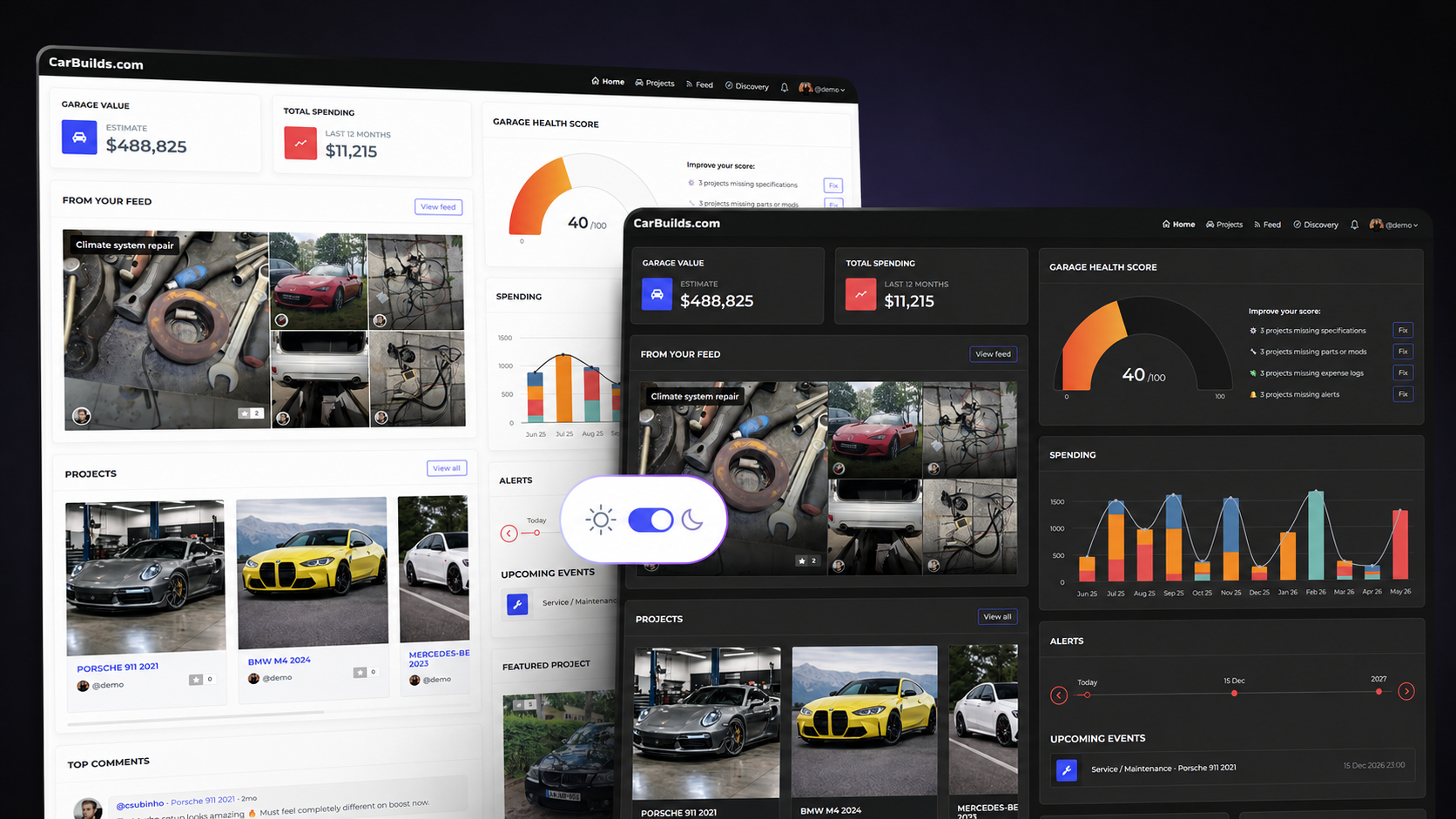
Todo also shows up where you need it. Your latest open todos sit on the project overview, and your dashboard collects the open jobs from all your projects in one place, so the next job is never more than one tap away when you open CarBuilds.
And once a job is done, it belongs in the build's history. Log the work on your timeline and add the parts and the receipt in the same flow, and the next owner sees the whole story, not just your word for it.
Take the list off the cabinet door
Todo is live now for every CarBuilds project. Open one of your builds, go to the Todo tab and write down the first job that comes to mind. I'd bet you already know what it is.
Want the short version of everything that changed? It's in the CarBuilds changelog. And if there's something you'd love your list to do, tell us. We'll put it on ours.
As for that sheet of paper on my cabinet door? It's still there. But for the first time in years, it's empty.